Free & Open Source Apple Silicon Native

Your Apps & Sites.
One Dashboard.

Organize your Mac apps and websites into categories & workspaces.
Launch anything instantly with keyboard shortcuts.

Download for Mac
$ brew tap iQeda/tap && brew install --cask mydashboard
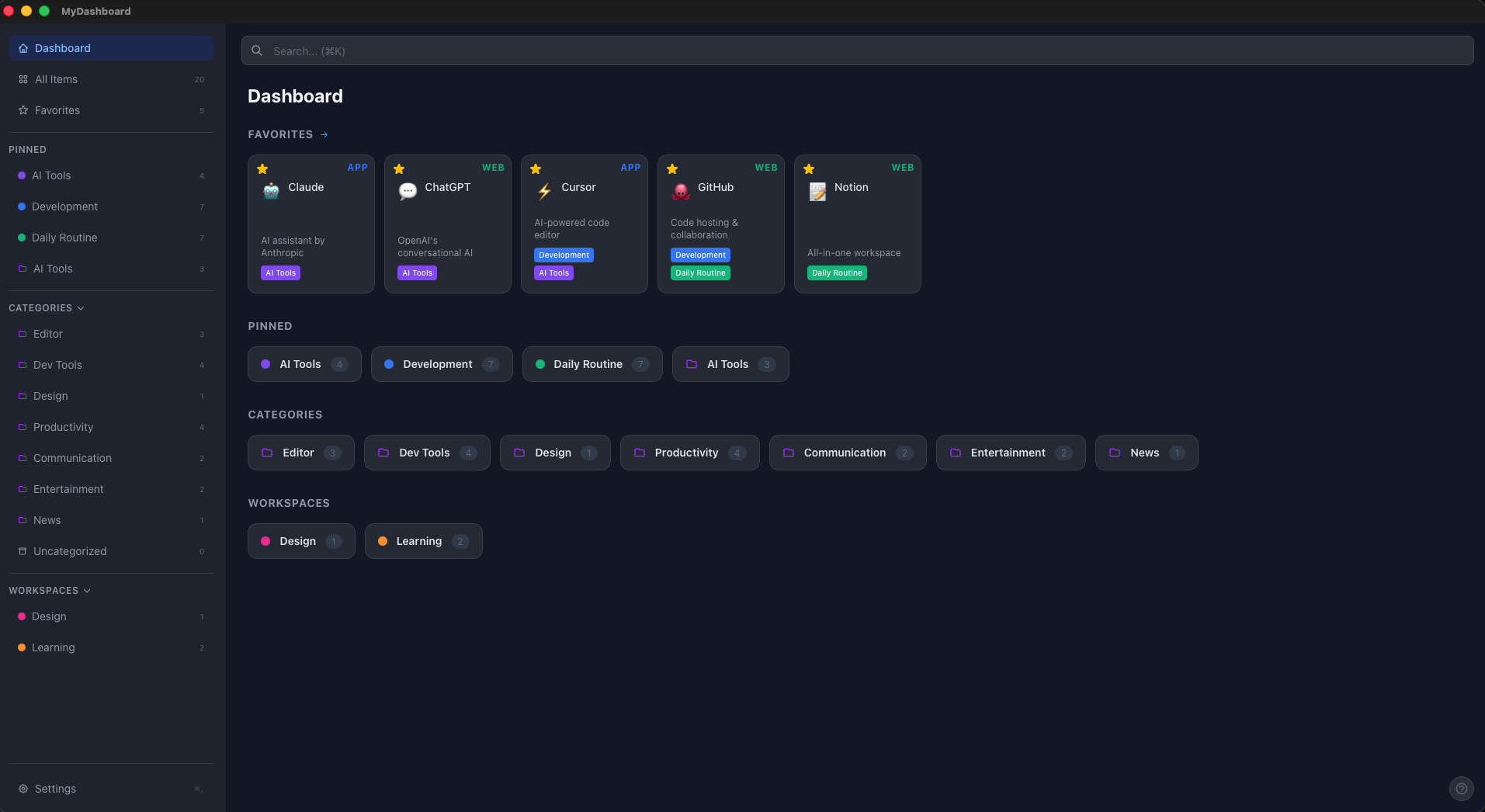
MyDashboard - Dashboard View
FEATURES

Everything you need

A minimal, keyboard-driven launcher for your daily tools.

App & URL Launcher
Launch Mac apps and browser sites with one click from a single dashboard.
Workspaces
Group related apps & sites into workspaces. Open all at once with a single action.
Keyboard First
⌘K command palette, arrow keys, Enter to launch. No mouse required.
Categories
Organize items by category with visual separators and drag-to-reorder.
iCloud Sync
Config auto-saved to iCloud. Seamless sync across all your Macs.
Dark Mode
Automatically follows macOS appearance. Light and dark, always native.
HOW IT WORKS

How it works

Three steps to a faster workflow.

01Dashboard
Dashboard view

See everything at a glance. Favorites, pinned workspaces, categories.

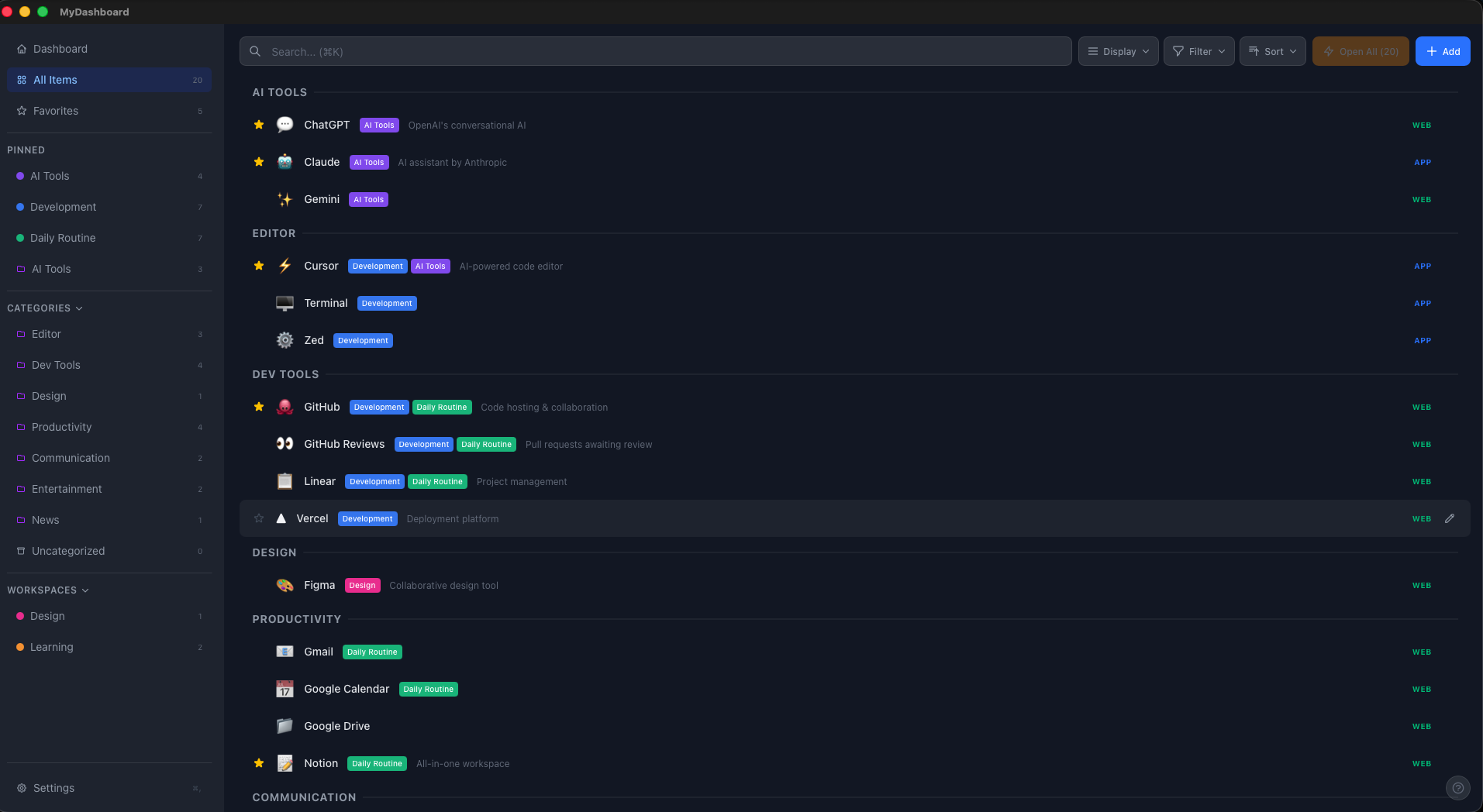
02Browse
Items list view

Browse all items grouped by category. Filter, sort, search.

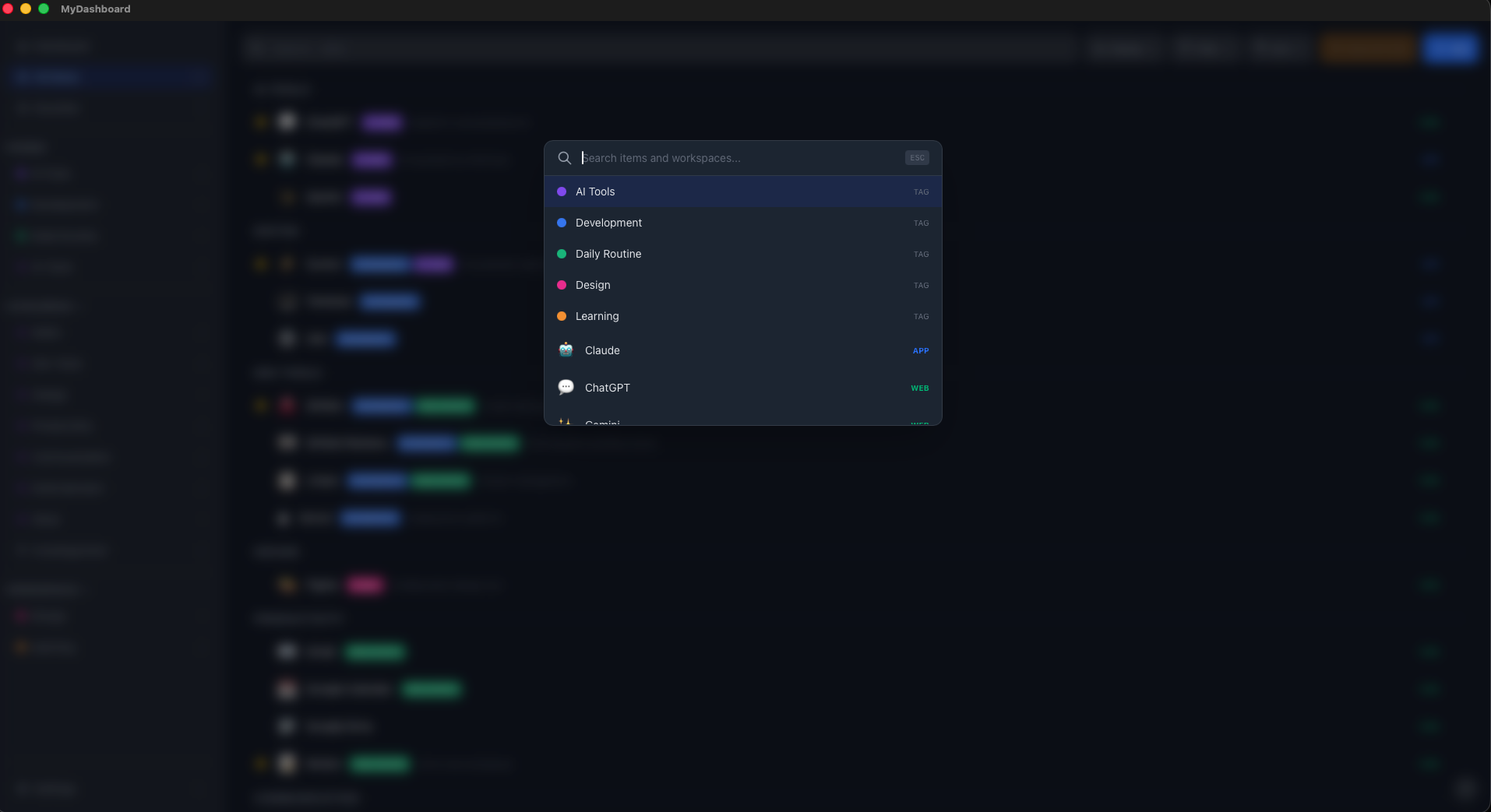
03Launch
Command palette

Press ⌘K to instantly search and launch any item.

KEYBOARD FIRST

Built for keyboard users

Navigate, search, and launch — all without touching the mouse.

K
Command Palette
Instant search & launch
N
New Item
Add app or website
F
Search
Find items instantly
Navigate & Launch
Arrow keys + Enter
A
Open All
Launch entire workspace
D
Dashboard
Go to home screen
OPEN SOURCE

Open Source & Native

Built with modern technologies. Free forever under MIT License.

Tauri v2 Rust React TypeScript Tailwind CSS
View on GitHub

Get Started in Seconds

Install via Homebrew and launch your dashboard.

Terminal
brew tap iQeda/tap brew install --cask mydashboard
Apple Silicon Native Auto-update built-in